A DVD can feel reassuring. It is physical, easy to label, and simple to hand to a family member after a reunion, wedding, or memorial service. For many people, it represents a real backup – something they can hold rather than a file that seems to disappear into a computer or cloud account. But when the question is long-term preservation, the answer requires a little more care.
Are DVDs Suitable for Archives?
DVDs can be part of an archive, but they should not be the only place your important videos, photos, audio recordings, or business records live. A properly created, high-quality disc stored in the right environment may remain readable for many years. Yet DVDs are not permanent, and their useful lifespan depends on the disc quality, how it was burned, how it is handled, and whether future equipment can still read it.
For family memories, a DVD is often an excellent viewing copy. It is convenient for sharing a wedding video with relatives, keeping a copy of a digitized home movie, or giving grandparents an easy way to watch cherished footage. For archival preservation, however, the stronger approach is to keep the original digital files in more than one format and more than one location.
That distinction matters. A DVD is a delivery format. An archive is a plan for protecting a story even when technology changes.
Why DVDs Still Have Value
DVDs have remained useful because they are familiar and independent of an internet connection. Unlike a cloud folder, a disc cannot be affected by a lost password, a subscription change, or an accidental click. It can also be stored separately from your computer, which is helpful if that computer fails or is replaced.
For a small business, DVDs may still be practical for training libraries, event recordings, legal documentation, or physical deliverables requested by a client. For families, they provide a simple, tangible way to organize meaningful content by year, event, or person. A clearly labeled disc marked with the date and contents can be much easier to identify than an unorganized stack of old hard drives.
DVDs are also read-only once finalized. That can be a benefit when you want to preserve a finished version of a video and reduce the risk of someone unintentionally editing or deleting it.
Still, these strengths do not make a disc fail-proof. A DVD is only as dependable as the entire preservation process around it.
The Limits of DVD Archiving
The biggest concern is physical degradation. Recordable DVDs use a dye layer that can break down over time. Heat, humidity, direct sunlight, scratches, fingerprints, and low-quality materials can all shorten a disc’s life. A DVD that looks fine on the surface may still develop reading errors that prevent a player or computer from accessing part or all of its contents.
Manufacturing quality also varies widely. Professionally manufactured pressed DVDs generally have a different structure from DVDs burned at home or on a computer. Recordable DVD-R and DVD+R discs can be useful, but no consumer recordable disc should be treated as a permanent vault for irreplaceable media.
Technology is another issue. Many newer computers no longer include an optical drive, and DVD players are becoming less common in homes. A disc may survive physically while the hardware needed to play it becomes inconvenient to find. That does not mean DVDs are obsolete, but it does mean an archive needs periodic attention.
There is also a quality limitation for video. A standard video DVD is designed for standard-definition playback. If you have high-definition footage from a wedding, corporate event, or modern camera, converting it only to a video DVD means giving up much of the original image detail. The disc may be a handy viewing copy, but it should not replace the high-resolution master file.
A DVD Is Better as One Copy in a Larger Plan
The safest preservation strategy is built on redundancy. Keep your files in at least three copies, on two different types of storage, with one copy stored somewhere else. This is often called the 3-2-1 approach, and it applies just as well to family camcorder tapes as it does to important business footage.
For example, after a VHS tape, MiniDV cassette, film reel, or audio recording is professionally digitized, you might keep the high-quality master files on an external hard drive, maintain a second copy on secure cloud storage, and create DVDs for convenient viewing or sharing. If one copy is damaged, lost, or inaccessible, the other copies protect the memory.
The same method works for photos, scanned documents, interviews, and business assets. A photo restoration project may result in print-ready image files, web-friendly copies, and a separate backup drive. A training video may be stored as a high-definition file for future editing while a DVD is created for staff members who need a simple playback option.
The key is to preserve the best available version. If your original footage is transferred at high quality, do not let the DVD become the only copy you save.
How to Store DVDs More Carefully
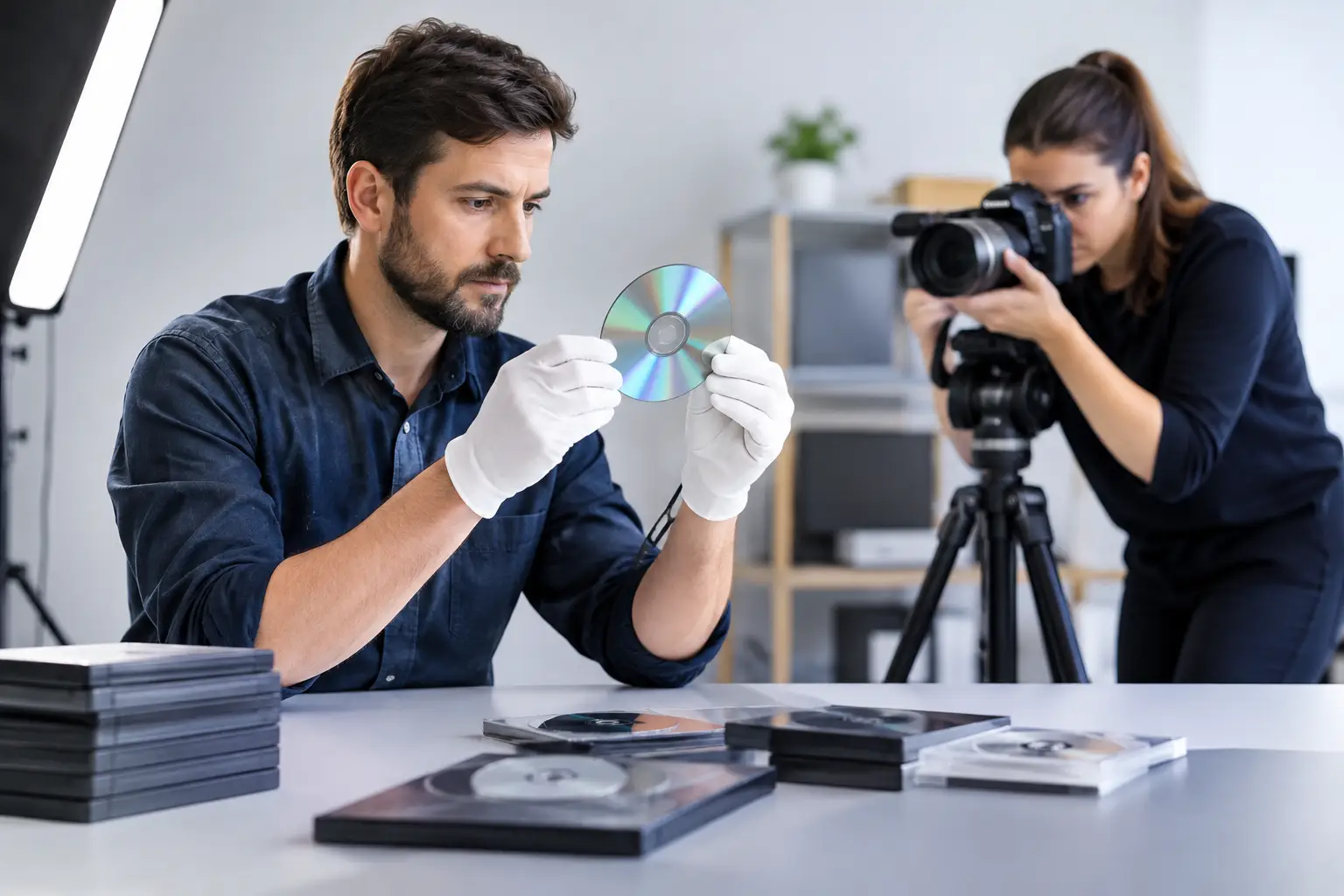
If you decide to include DVDs in your archive, proper storage can make a meaningful difference. Keep discs upright in individual jewel cases or archival-quality cases, rather than in loose stacks or paper sleeves that can scratch their surfaces. Store them in a cool, dry, dark place with stable temperatures.
Avoid garages, attics, sheds, and vehicles, especially in Florida. Heat and humidity can be hard on many types of media, including optical discs, tapes, photographs, and hard drives. A climate-controlled closet or interior cabinet is typically a much better choice.
Handle each disc by the outer edge or center hole, not the recording surface. If you label discs, use a soft, non-solvent-based marker designed for optical media. Adhesive labels can create balance problems during playback and may eventually peel or damage the disc.
Most importantly, check your DVDs from time to time. Every few years, play or copy the files to confirm the disc still works. If a disc begins to show errors, make a fresh copy immediately. Archiving is not a one-time task. It is ongoing care for the stories and records you do not want to lose.
Choosing the Right DVD Format
Not all DVDs serve the same purpose. A video DVD is formatted to play in many standard DVD players, which makes it useful for easy viewing. However, it usually limits video quality to standard definition and may divide longer content across multiple discs.
A data DVD stores computer files instead. It can hold video files, photographs, PDFs, audio recordings, and other digital materials. This can preserve a higher-quality file than a standard video DVD, but it may not play directly in a living room DVD player. It is intended to be opened on a computer with a compatible drive.
For archival needs, a data disc containing the highest-quality digital master is generally more valuable than a standard video DVD alone. Ideally, keep both when appropriate: a viewing disc for convenience and a high-quality master file stored on drives and in cloud backup.
Some archival-grade optical media is marketed for longer life, including specialty discs with more durable recording layers. These can be worthwhile as an additional layer of protection, but they still require proper storage, compatible drives, and periodic testing. No disc type removes the need for backups.
When DVDs Make Sense for Families and Businesses
DVDs are especially useful when accessibility matters. A family may want several copies of a memorial slideshow or a wedding film to share with relatives. A local organization may need an uncomplicated physical copy of a presentation or event recording. In those cases, the disc is part of the experience – personal, easy to give, and easy to keep.
They also make sense as a companion to a transfer project. After legacy tapes are digitized, a DVD can offer immediate peace of mind because there is something tangible to take home. At the same time, the transferred files should be protected in modern storage formats that preserve their quality and give you options for future viewing, editing, and sharing.
For irreplaceable family footage, original recordings, or business media with long-term value, it is wise to work with a local preservation partner that can help you understand what files you are receiving and how to protect them. AWV Production helps Jacksonville-area families and organizations create practical copies while keeping the focus where it belongs: preserving the moments, voices, and stories behind the media.
A DVD can be a meaningful piece of your archive. Just make sure the memory on that disc has another safe place to call home.