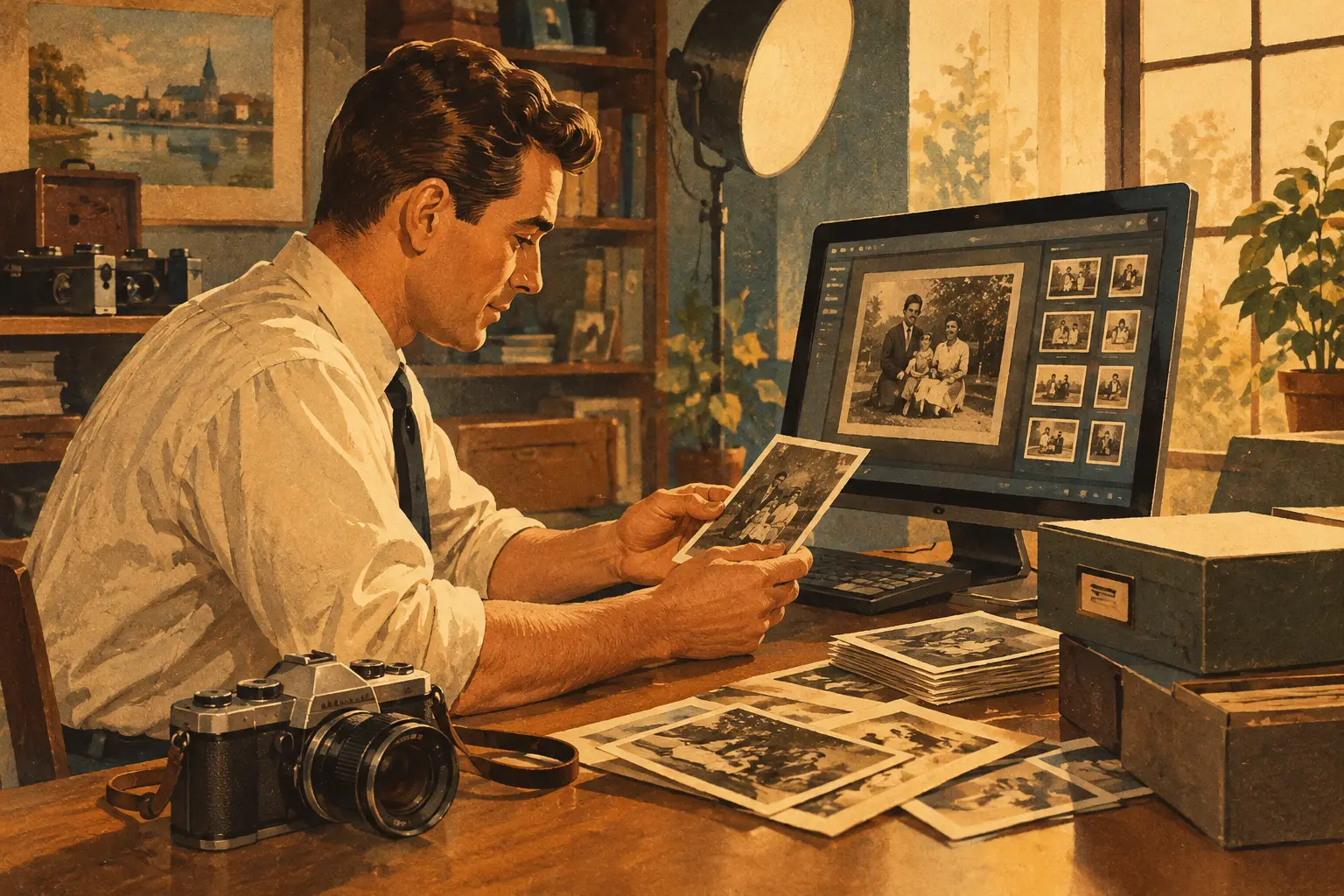
A box of VHS tapes, photo albums, MiniDV cassettes, and burned CDs can hold decades of a family’s life – but only if someone can still access what is on them. Digital archiving turns those fragile, aging formats into files you can watch, hear, organize, and share without putting the originals through repeated use.
For families, this may mean hearing a grandparent’s voice again, preserving a child’s first school performance, or giving wedding footage a safer home than an unlabeled tape in a closet. For businesses, it can mean protecting training videos, event footage, interviews, product photos, and brand assets that may be needed years from now. The goal is not simply to make a copy. It is to preserve the story, the quality, and the context that make the media valuable.
What Digital Archiving Really Means
Digital archiving is the thoughtful process of converting media into digital files and preparing those files for long-term access. Conversion is the first step, but a useful archive also includes clear organization, sensible file names, dependable storage, and backup copies.
That distinction matters. A tape transferred to a random flash drive is more convenient than a tape, but it is not necessarily protected. Flash drives can fail, get misplaced, or become outdated. Files with names like “VIDEO0007” may be impossible to identify later. A true archive makes it easy for the next person in your family or organization to understand what they are looking at and where to find it.
The right approach depends on the material. VHS and Hi8 tapes need playback equipment that is in good working condition. Film reels may need cleaning and frame-by-frame scanning. Printed photographs often benefit from high-resolution scanning and careful color correction. Audio cassettes, records, and reel-to-reel recordings need proper playback to capture clear sound without adding avoidable noise.
Why Waiting Can Cost You More Than Time
Legacy media does not age gracefully in every case. Magnetic tape can lose signal, collect mold, stretch, or become brittle. Film can fade, warp, or develop scratches. CDs and DVDs may become unreadable. Even files created digitally can become difficult to open when the software, device, or storage system that supported them disappears.
There is also a practical risk that is easy to overlook: the equipment may be harder to find than the media itself. A perfectly stored tape is not very useful if no reliable player remains to play it. That is why many families choose to preserve media while it is still accessible, rather than waiting for a special occasion or a major move to force the decision.
For organizations, delayed archiving can create gaps in institutional knowledge. A recorded interview with a founder, footage from an early event, or a library of product demonstrations can become far more valuable over time. Once the original file is lost or an old drive fails, recreating that history is rarely possible.
Start With What Cannot Be Replaced
Most people do not need to digitize every item they own at once. Beginning with the irreplaceable material creates momentum and keeps the project manageable. A wedding video, a parent’s voicemail recording, home movies of children, an interview with a family member, or footage from a company milestone usually belongs near the top of the list.
As you sort, group items by format and condition. Put cracked discs, damaged tapes, mold-affected media, and fragile film aside for professional evaluation. Trying an old tape in an unfamiliar machine can sometimes do more harm than good, especially if the tape has degraded or the player needs maintenance.
It also helps to make simple notes before anything is transferred. Write down approximate dates, people, locations, and events while the details are still familiar. Those notes can become folder names and descriptions later. A clip labeled “Grandma’s birthday, Jacksonville, 1994” has lasting meaning. A clip labeled “Tape 12” does not.
Choose Quality for the Job at Hand
Not every recording needs the same treatment. If the goal is casual sharing, a standard digital file may be enough. If the material is historically important, emotionally priceless, or intended for editing later, request the highest practical quality and preserve a master copy.
This is where professional handling can make a real difference. Quality transfer work involves more than pressing play and record. It can include stable playback, image adjustment, audio monitoring, color correction for photographs, and careful review for issues that may appear during conversion. Restoration can improve a faded or noisy recording, but it cannot recreate details that were never captured. Honest expectations are part of protecting the memory, too.
For video, it is often helpful to keep two versions: a high-quality master for preservation and a smaller viewing copy that is easy to send to family members or upload to private cloud storage. Businesses may also want an editable master, especially for footage that could support future marketing, training, or anniversary projects.
Organize Digital Archives So They Stay Useful
A digital archive should feel easy to revisit, not like another pile of clutter moved onto a computer. Start with broad folders, such as Family Videos, Photos, Audio Recordings, Weddings, or Business Events. Within those folders, organize by year, event, or person.
Use consistent names that answer the basic questions: what is it, when did it happen, and who is involved? For example, “2008-06-14_Smith-Family-Reunion_St-Augustine” is far more useful than “newvideo_final.” If the exact date is unknown, an estimated year or decade is still helpful.
Keep a simple inventory document for larger collections. It can list the original format, the item name, the date transferred, and where the digital copies are stored. This is especially useful when several family members contribute media or when a business has years of recordings from different departments.
Metadata, which is simply descriptive information attached to a file, can add another layer of clarity. You do not need a complicated database to benefit from it. A few notes about the people, place, and occasion can make a collection much easier to search years later.
Storage Is Protection, Not an Afterthought
The safest digital archiving plan uses more than one copy in more than one place. A practical approach is to keep the primary archive on a dependable external hard drive or computer, maintain a second backup drive, and store another copy in secure cloud storage. The cloud copy is particularly valuable if a fire, flood, theft, or hardware failure affects your home or office.
No storage option is permanent. Hard drives can fail, cloud accounts require active management, and passwords can be forgotten. Check your archive periodically. Open a few files, confirm that backups are running, and replace aging drives before they become a problem. For treasured collections, put account access instructions somewhere trusted so loved ones can find the archive if needed.
Physical originals still deserve care after they have been digitized. Store tapes, reels, photographs, and discs in a cool, dry space away from heat, moisture, direct sunlight, and garages or attics with major temperature swings. The digital copy provides access; the original remains part of the history.
When Local, Hands-On Help Matters
Mailing irreplaceable memories across the country can feel unsettling, and for good reason. A local preservation partner gives you the chance to ask questions, explain what matters most, and know where your media is being handled. For Jacksonville-area families and businesses, that personal connection can be especially reassuring when the collection includes one-of-a-kind tapes, photos, or recordings.
AWV Production approaches preservation with the same care given to new video work: thoughtful handling, professional equipment, and attention to the story behind the material. Whether the final archive is delivered on a USB drive, hard drive, DVD, or cloud-ready files, the best option is the one that fits how you will actually use and protect it.
The most meaningful archive is not the one with the most files. It is the one that lets a child see a parent at their wedding, lets a family hear a familiar laugh, or lets a growing business remember the people and moments that built its name. Start with one box, one tape, or one folder. That small decision can keep an unforgettable story close for years to come.