
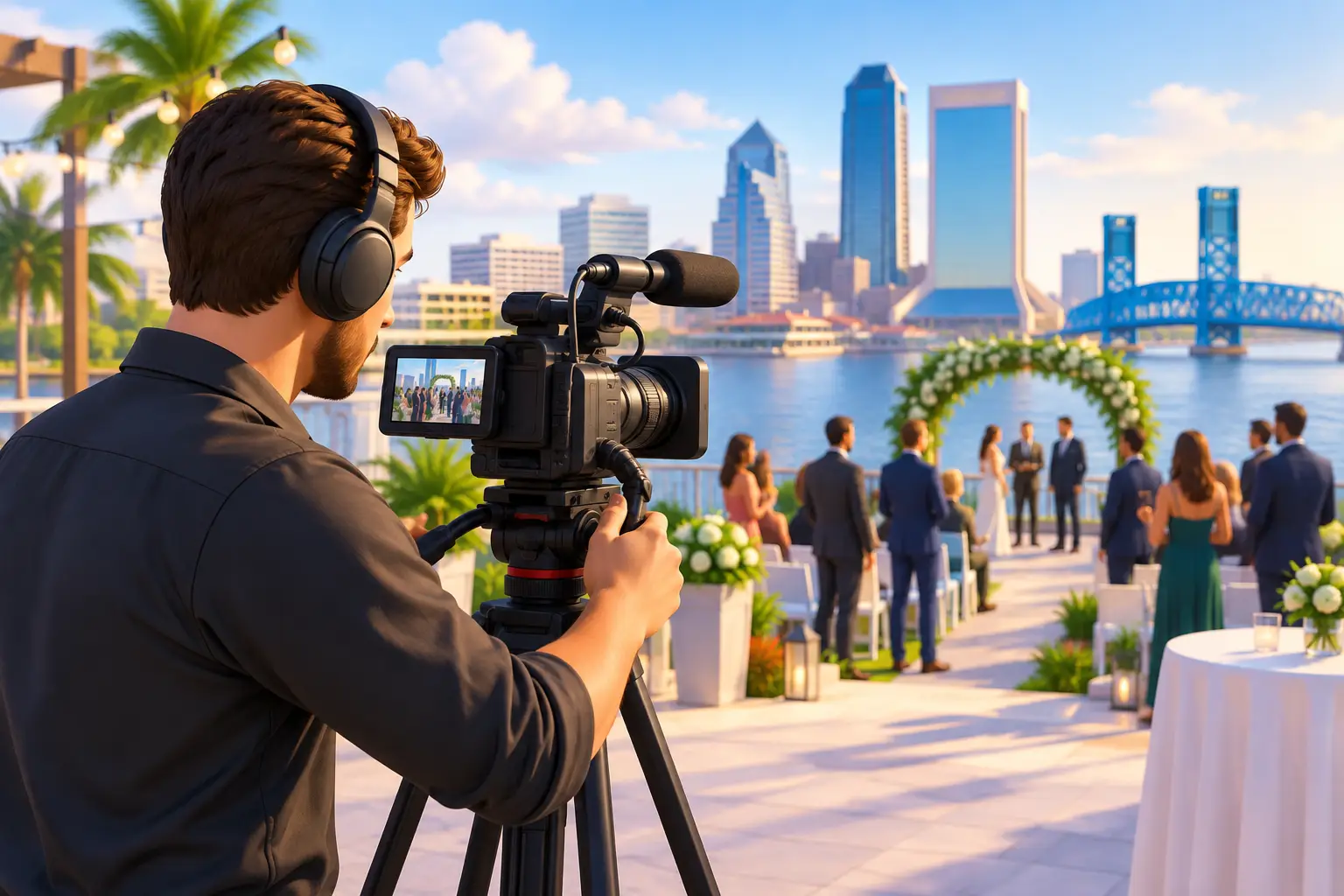
The room changes the moment a keynote begins, a couple enters the reception, or a crowd reacts to a major announcement. Those moments move quickly, and they are difficult to recreate once the event is over. This Jacksonville event videography guide will help you plan coverage that feels natural in the room while delivering a lasting video your guests, customers, or team can revisit with pride.
The best event video is not simply a record of who attended. It captures the purpose of the gathering: the celebration, the message, the relationships, and the energy that made the day matter. Getting there takes more than placing a camera in the back of the room. It takes an early conversation about what matters most, a realistic coverage plan, and a production team prepared for the pace of a live event.
Jacksonville Event Videography Guide: Start With the Why
Before discussing cameras, drone footage, or final video length, decide what the finished video needs to accomplish. A nonprofit fundraiser may need emotional guest reactions and a clear message for future donors. A corporate conference may need full presentations for employees who could not attend, along with short highlight clips for future promotion. A wedding film has a different job altogether: preserving words, expressions, and small family interactions that may become more meaningful with time.
Your purpose affects every production decision. If your priority is social media, a concise highlight video with strong visual moments may be the right fit. If training or documentation is the goal, complete sessions with clear audio should take priority. Many events benefit from both: a polished recap that shares the experience quickly and longer recordings that preserve the full program.
Be specific about the people who will watch. A video intended for internal staff can be more detailed than one designed to introduce your brand to new customers. A family celebration may call for more intimate footage and less emphasis on a formal schedule. There is no one-size-fits-all event film, which is why a collaborative planning process matters.
Build Coverage Around the Moments You Cannot Repeat
Live events do not offer many second chances. A speaker’s opening statement, an award presentation, a first dance, or the reveal of a new product may happen only once. Identify these priority moments before the event, then provide a schedule with approximate start times, names, and locations.
It also helps to share the story behind the event. Let the videographer know who should be featured, why certain guests matter, and whether there are sensitive or meaningful details to approach thoughtfully. For example, a retirement celebration may include colleagues traveling from out of town, while an anniversary party may bring together several generations of family. That context helps shape footage that feels personal rather than generic.
Do not overlook the in-between scenes. Guests arriving, volunteers preparing, a speaker reviewing notes, children laughing, coworkers reconnecting, and the room before the doors open all add texture to a final film. These details make a highlight video feel like a real memory instead of a collection of staged poses.
Share a Useful Run of Show
A simple event timeline is one of the most valuable planning tools you can provide. Include the start and end time, major transitions, presentation order, meal service, entertainment, and any surprise elements. If the schedule changes, tell the video team as soon as possible.
Designate one point person who can answer questions on event day. They do not need to manage every detail, but they should know where key people are located and when important moments are about to begin. This keeps production moving without pulling the host, couple, or event organizer away from their guests.
Clear Audio Is Often the Difference Maker
Beautiful footage cannot rescue a video with unclear sound. At events, audio can be affected by air conditioning, audience conversation, music, traffic, clinking dishes, and large rooms with natural echo. When speeches, vows, interviews, or presentations matter, plan for professional audio capture from the start.
Ask whether the venue has a sound system and whether the production team can receive an audio feed from it. A feed can provide clean sound from microphones, but it should not always be the only option. Backup recorders and microphones help protect important words if a connection fails or a speaker steps away from the podium.
For business events, make sure presenters understand that they need to use the microphone, even if they believe they can project their voice. For personal events, encourage speakers to stand in a designated area when possible. These small choices can make the final film far easier to hear and enjoy.
Think Through the Venue Before Event Day
Jacksonville venues range from bright waterfront spaces to ballrooms, historic settings, outdoor courtyards, and busy conference rooms. Each brings different opportunities and challenges. Harsh midday sun can create strong shadows outdoors, while low indoor light may require careful camera settings and additional lighting.
A venue walkthrough is especially helpful for complex events. It allows the production team to check lighting conditions, locate power access, consider camera placement, and understand where guests will move. It also helps prevent a camera position from blocking a guest’s view or becoming a distraction during a quiet ceremony or presentation.
Ask the venue about its rules before finalizing your plan. Some locations restrict tripods, lighting, drone use, or access to certain areas. Drone footage can add a memorable sense of place for an outdoor event, a property, or a large gathering, but it depends on weather, airspace, venue approval, and the event schedule. It should support the story, not become the story.
Choose Deliverables That Keep Working After the Event
A finished event video should be easy to enjoy and useful for the way you plan to share it. Before filming begins, discuss the formats that would serve you best. A family may want a digital file for sharing, a USB drive for safekeeping, or DVDs for relatives who prefer a familiar format. A business may need a highlight reel, individual speaker sessions, short vertical clips, or versions sized for an internal presentation.
Editing is where event footage becomes a cohesive story. Preview-based editing gives clients a meaningful opportunity to review the direction of a project and provide feedback before the final version is completed. This is particularly valuable when brand messaging, names, titles, music choices, or key family moments need to be handled with care.
Keep expectations realistic about turnaround time. A short event recap can often be completed sooner than a multi-camera recording with several presentations and detailed edits. The more footage, audio sources, graphics, and revision requests involved, the more time thoughtful post-production requires. Quality is worth protecting, especially when the film will represent your organization or preserve a once-in-a-lifetime occasion.
Plan for Comfort, Not Constant Posing
People look and sound their best when they are focused on the event rather than the camera. Let guests know videography will be taking place, but avoid turning every interaction into a performance. A professional team can capture candid reactions respectfully while stepping in for a few intentional shots when needed.
For corporate events, consider setting aside a quiet corner for short interviews with leaders, customers, sponsors, or employees. A few well-planned comments can add clarity and personality to a recap video. For weddings and family celebrations, a brief list of must-have groupings can be helpful, but leave room for spontaneous moments too.
AWV Production approaches event coverage as both a technical responsibility and a personal one. Whether the event supports a growing business or brings loved ones together, the goal is to create high-quality footage that feels true to the people in it.
Protect the Footage After the Applause
Once an event ends, its video becomes part of your personal or organizational history. Ask how original footage and final files will be handled, how long they will be available, and what backup options are recommended. Important videos deserve more than one copy stored in more than one place.
For families, that may mean keeping a digital copy alongside a USB drive or DVD. For organizations, it may mean maintaining an organized archive of full presentations, promotional edits, and raw interviews for future campaigns. Label files clearly with the event name and date so they remain easy to find years from now.
The right event videography plan gives you room to be present while someone else protects the details. When the music fades, the guests head home, and the schedule is packed away, a carefully made film can bring the purpose and feeling of the day back into view.


