
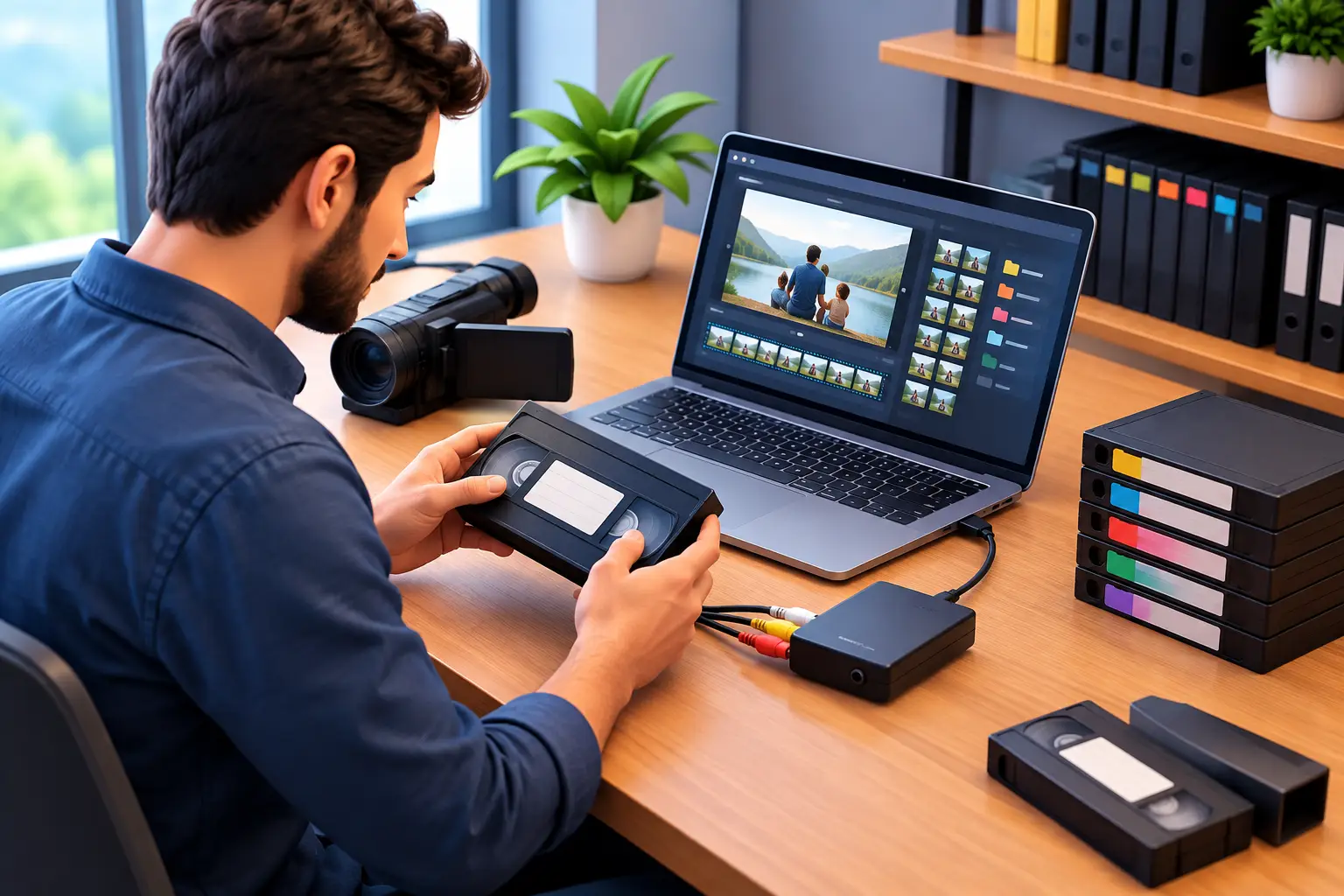
A box of converted VHS tapes can feel like a victory until you open the USB drive and see files named “VIDEO001,” “VIDEO002,” and “Final Copy.” The memories are safe, but finding the Christmas morning your children were small or the recording of a grandparent’s voice becomes frustrating. Learning how to label digitized tapes turns a pile of video files into a family archive you can actually use.
Good labels do more than make files look organized. They preserve context: who appears in the video, when it happened, where it was filmed, and why it matters. That context is often the first thing lost as years pass. A clear system also makes it easier to share clips with relatives, create tribute videos, and locate a special moment without playing every file from the beginning.
Start With One Simple Naming System
The best file names are consistent, readable, and specific enough to be useful. You do not need a complicated archival database for a family collection. You do need a format everyone in your household can understand.
Start each name with the date when you know it. Put the year first so files sort in chronological order on a computer, flash drive, or external hard drive. Follow it with a brief description of the event or people shown.
A practical format looks like this:
`YYYY-MM-DD_Event_or_Description_Location`
For example, a tape recorded on Christmas Day might become:
`1994-12-25_Christmas_Morning_Jacksonville`
If you know only the year, do not guess at the month or day. Use a broader label such as `1994_Summer_Vacation_Daytona_Beach` or `Late_1980s_Family_Reunion_Grandmas_House.` Honest uncertainty is much more helpful than a precise date that may be wrong.
Avoid names like “Mom Tape,” “Old Video,” or “Tape 6.” Those descriptions may make sense today, but they quickly become unclear when several family members are sorting files years from now.
How to Label Digitized Tapes When Dates Are Unclear
Many home movies have no date written on the original tape, or the handwriting on the case has faded. In that situation, use the strongest clues available rather than leaving the file unnamed.
Look for seasonal decorations, birthdays, school uniforms, a child’s approximate age, a visible calendar, or a memorable event. A recording might be labeled `Around_1997_Tylers_5th_Birthday_Orange_Park` even if you cannot confirm the exact day. If a tape includes several years or unrelated events, reflect that in the name: `1998-2000_Mixed_Family_Videos` is clearer than pretending it was all recorded in one afternoon.
It can also help to add “approx” or “circa” to the file name when needed. For example: `Circa_1978_Family_Picnic_St_Augustine.` This protects the accuracy of your archive while giving relatives a useful starting point.
If someone in the family recognizes a location, face, or occasion, record that information right away. Memory is a valuable part of preservation, and it is easiest to capture while the video is fresh in front of you.
Separate the Original Tape Number From the Digital File Name
Even after a tape is transferred, keep a connection between the physical item and its digital version. This is especially helpful if you have dozens of tapes, want to request a re-transfer later, or discover a missing segment.
Assign each physical tape a simple ID, such as VHS-001, VHS-002, or HI8-014. Write that ID on a new archival-safe label or on the tape case, not over important existing notes. Then include the ID at the end of the digital file name, such as:
`1994-12-25_Christmas_Morning_Jacksonville_VHS-003`
This approach gives you two ways to search. You can find a file by its meaningful description, or you can match it back to the original tape number. If a tape contains more than one event, use a second identifier for each section, such as VHS-003A and VHS-003B.
Keep the original tape labels whenever possible. They may include a name, date, or detail that becomes important later, even if the wording is vague. A photo of each tape and its case can provide another easy record before items are packed away.
Create Folders That Make Sense at a Glance
File names matter, but folders keep a larger collection manageable. Your folder structure should fit the way your family naturally thinks about its history. Most people find it easiest to begin with years or decades, then organize by event.
For example, you might keep a main folder called `Family Video Archive` with subfolders for `1970s`, `1980s`, `1990s`, and `2000s.` Inside each one, place the digitized files or event folders. If your collection centers around specific people, a structure by family branch may work better.
Try not to bury files under too many layers. A folder path should be easy for a relative to follow without instruction. `Family Video Archive > 1990s > Holidays > 1994 Christmas` is clear. Ten levels of folders may be technically organized, but it can slow down everyday use.
For families with a mixture of VHS, MiniDV, camcorder tapes, film reels, and audio cassettes, consider separating formats only if that makes retrieval easier. If the goal is to watch memories by date, keep the files together chronologically. If you are managing a technical preservation project, format-specific folders may be more practical.
Add Notes for the Details a File Name Cannot Hold
A file name needs to stay short enough to read. That does not mean the rest of the story should disappear. Create a simple document, spreadsheet, or notes file in your archive folder to hold extra details.
For each digitized tape, note the file name, tape ID, approximate date, people shown, location, and any special moments. You may also want to include video quality notes, such as a damaged section, a brief audio dropout, or a tape that contains duplicate footage.
This is where the meaningful details belong: “Grandpa tells the fishing story at 18:42,” “First video of the new puppy,” or “Wedding reception speeches begin at 32:10.” Those notes can save hours when you are preparing a birthday slideshow or looking for a loved one’s voice.
If more than one person is helping identify footage, invite them to contribute. A sibling may remember a vacation destination while an aunt recognizes the neighbor standing in the background. Family archives become richer when everyone’s knowledge has a place to live.
Use Names That Work on Any Device
For fewer problems when moving files between computers, TVs, cloud storage, and external drives, keep file names simple. Letters, numbers, underscores, and hyphens are safe choices. Avoid slashes, quotation marks, question marks, and symbols that some devices do not accept.
Be consistent with names. Choose either “Grandma” or a person’s full name, then use that choice throughout the archive. The same applies to locations. If one file says “St Augustine” and another says “St. Augustine,” searching may become less reliable.
It is also wise to keep the word “final” out of a file name unless it truly identifies a finished edited project. Files named “final,” “final2,” and “final-really” create confusion quickly. A date and description will serve you better.
Label Copies and Backups Clearly
A digitized tape is only as secure as the copies you maintain. Keep at least one backup separate from the drive you use most often. You might maintain an external hard drive at home, a second drive in another safe location, and a secure cloud copy. The right mix depends on your collection size, internet access, and comfort with online storage.
Label each storage device clearly. Use names such as `Family Archive Main Drive – Updated 2026-10` and `Family Archive Backup Drive – Updated 2026-10.` Include the last update date so you know which copy is most current.
Do not assume a flash drive is permanent storage. It is convenient for sharing a few favorite videos, but it can be misplaced or fail without warning. For irreplaceable recordings, use it as an extra copy rather than the only copy.
Preserve the Story Along With the Video
Digitizing old tapes protects the footage, but thoughtful labeling protects the meaning behind it. At AWV Production, we often see how a short handwritten note or a remembered date can transform an unlabeled recording into a cherished family story.
Set aside a little time after your tapes are converted to name files, sort them into folders, and ask relatives what they recognize. That small effort gives future family members more than video to watch. It gives them a clear path back to the people, places, and moments that made those recordings worth saving.


