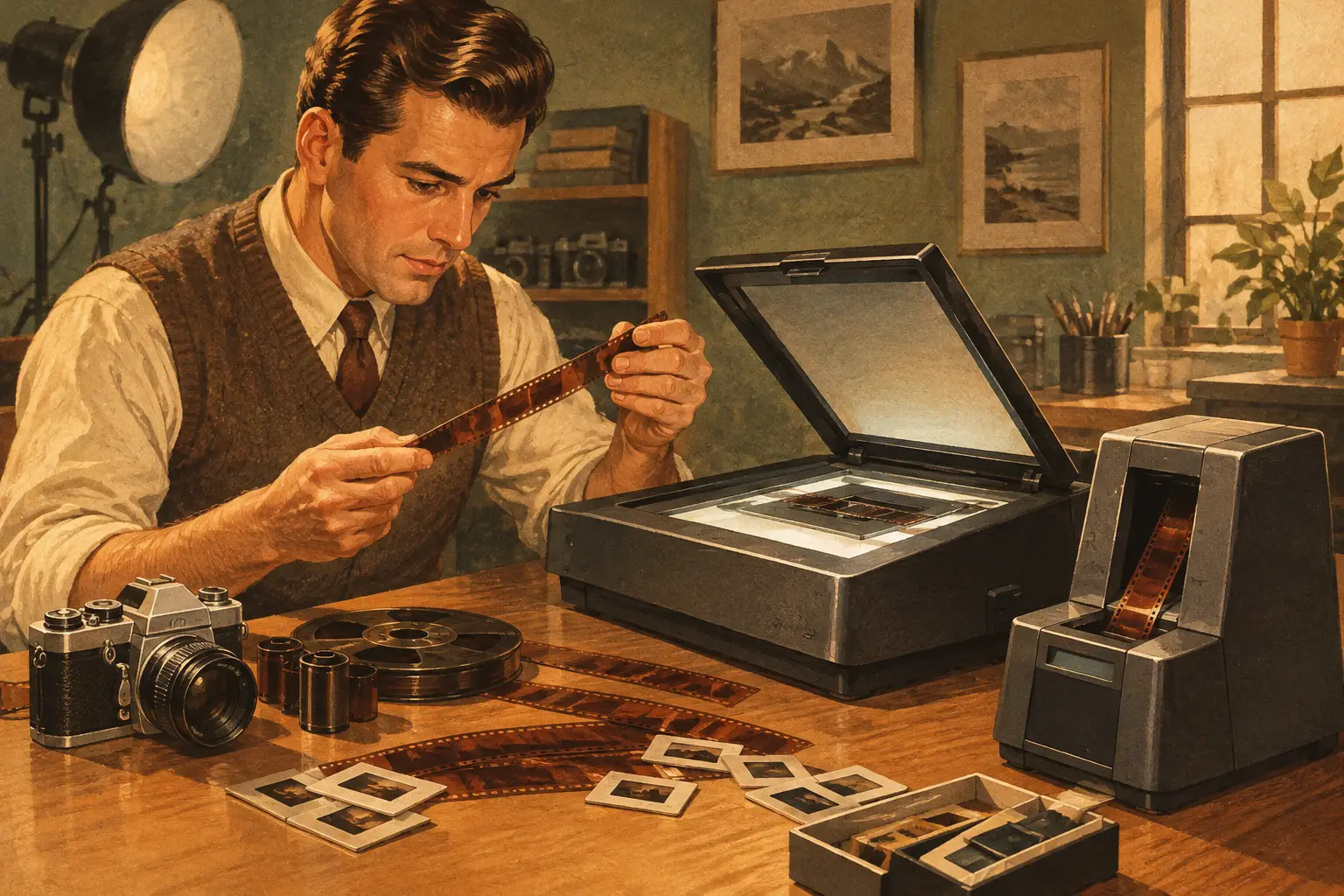
A box of 35mm slides or negative strips can hold decades of birthdays, beach days, first homes, and people you wish you could see again. When deciding between film scanning versus home scanners, the question is rarely just about getting pictures onto a computer. It is about how much time you can devote, how much image quality matters, and how carefully those one-of-a-kind originals should be handled.
A home scanner can be a sensible solution for a small, organized collection in good condition. Professional film scanning is often the better investment when the collection is large, aging, delicate, or deeply meaningful. The right choice depends on the film in front of you and what you hope to do with the images after they are digitized.
What makes film different from a printed photo
Film is not a finished photograph. A negative or slide is a tiny, translucent source image that needs light, accurate color handling, and enough resolution to reveal its detail. A print scanner can capture a photo on paper, but film requires equipment designed to illuminate the frame from behind and interpret the color or black-and-white information it contains.
That distinction matters because a scan may look acceptable on a phone while still falling short when you try to crop a face, create an album, make a large print, or share the image with family. A good scan preserves room for those future uses.
The most common formats are 35mm negatives and slides, but many families also have medium-format film, mounted slides, or older film sizes that do not fit standard holders. Before buying equipment or starting a project, identify what you have. The format influences both the cost and the quality you can expect.
Film scanning versus home scanners: the real differences
The biggest difference is not simply whether a scan can be made. It is the degree of control over the result.
Home scanners range from basic all-in-one units to dedicated film scanners. A flatbed scanner with a film holder may work well for occasional slides and medium-format film. A dedicated 35mm film scanner can deliver stronger detail, especially from negatives. Small portable devices that scan a frame in seconds are convenient, but they often produce lower-quality files with limited ability to correct exposure, focus, shadows, or color shifts.
Professional scanning services typically use specialized equipment, calibrated workflows, and trained handling. The process can include cleaning, careful placement, color correction, exposure adjustments, and file review. That does not mean every faded or damaged frame can be made perfect. It does mean the scan begins with more image information and receives more thoughtful attention before it reaches you.
Image quality goes beyond resolution
Resolution is easy to compare because it is listed in dots per inch, or DPI. But a high number on a product box does not guarantee a sharper or more useful scan. A scanner also needs good focus, a clean light source, accurate color, and enough dynamic range to capture detail in bright skies and dark clothing at the same time.
Older consumer scanners may advertise impressive resolution but produce soft results because their true optical resolution is lower than the marketing number. Some home scanning apps and compact units also sharpen images aggressively, making grain and dust look more noticeable.
Professional scanning is especially valuable for underexposed negatives, slides with deep shadows, or frames that have shifted toward red, yellow, or blue over time. Careful correction can bring an image closer to the moment you remember without making it look artificial.
Dust, scratches, and fingerprints are part of the decision
Film attracts dust, and every speck becomes more visible once the image is enlarged on a screen. Handling negatives by their edges, using clean film holders, and working in a tidy space can help. Still, cleaning film safely requires patience and the right materials. Rubbing a fragile frame with the wrong cloth or solution can create permanent scratches.
Many professional workflows include surface cleaning and digital dust removal where appropriate. Scratch repair and more extensive restoration may require additional work, particularly if the film has mold, water damage, heavy fading, or warped edges. It is better to set realistic expectations than to promise a flawless result from a badly damaged original.
Time has a cost, even when the scanner is already in your home
Scanning a few favorite images may take an afternoon. Scanning hundreds or thousands of frames is a different project. Each frame has to be loaded, previewed, scanned, checked, saved, named, and backed up. Negatives also need to be inverted from their orange-toned original into a natural-looking positive image.
For someone who enjoys the process, home scanning can become a meaningful way to revisit family history. For others, it becomes a half-finished task sitting beside the computer for months. A professional service can be a practical choice when your priority is completing the project while preserving your time.
When a home scanner makes sense
A home scanner is worth considering when you have a modest number of frames, the film is clean and flat, and you are comfortable learning the equipment. It can also be useful if you want to scan a few images now and add to the project slowly over time.
Choose a scanner that supports your specific film format rather than relying on a general document scanner. Look for reliable film holders, true optical resolution, and software that gives you control over cropping, color, and exposure. If your goal is to make standard-size prints or share images online, you may not need the largest possible files.
Home scanning also gives you direct control over every creative decision. You can choose a warmer color treatment, keep the grain that gives old film its character, or experiment with black-and-white conversions. Just remember that it is wise to save an unedited master scan before making changes.
When professional film scanning is the better choice
Professional scanning is often the stronger option for large collections, irreplaceable family archives, and film that is brittle, curled, dusty, or faded. It is also a good fit when you want consistent files across many rolls of film rather than a mix of settings and results.
Consider professional help if you want to enlarge images, create a memorial slideshow, build a wedding display, or preserve a collection for future generations. The scan quality has more room to matter in those situations. A carefully digitized image can be used in a photo book today and still be ready for a better display or print years from now.
Local service can bring extra peace of mind. Jacksonville-area families who are uneasy about shipping irreplaceable negatives or slides across the country can work with a hands-on provider and ask questions about their specific collection. AWV Production approaches preservation as more than a transfer job because these materials often represent the only visual record of a family story.
A practical way to decide before you commit
Start by sorting your collection into three groups: your absolute favorites, the images that are meaningful but less urgent, and the frames that are duplicates or unlikely to be used. Scan a small test batch before committing to a method for everything.
If you are considering a home scanner, test several types of images: a bright outdoor scene, an indoor photo, a dark frame, and a portrait. View the files on a larger screen, not only on your phone. Ask whether you can see the details you hoped to preserve and whether the time required feels manageable.
If you are considering professional scanning, ask what resolution is appropriate for your goals, whether basic color correction is included, how fragile film is handled, and how files will be delivered. USB drives, cloud delivery, and other storage options can all work well, but no delivery method replaces a backup plan. Keep at least two copies of your completed files in separate places.
Preserve the originals after scanning
Digitizing film does not make the originals unimportant. The film is still your physical archive and may benefit from better scanning technology in the future. Store negatives and slides in archival sleeves or containers, away from heat, humidity, sunlight, basements, and attics.
Label what you know while the memories are fresh. A simple note with names, locations, approximate dates, and events can become as valuable as the image itself. Future family members may recognize a smile, but they may not know whose birthday it was or where the photograph was taken.
The best choice is the one that helps you move your memories from a fragile box into a format your family can enjoy, protect, and pass along. Whether you scan a few treasured frames at home or place a full collection in professional hands, starting now gives those stories a better chance of being seen again.