
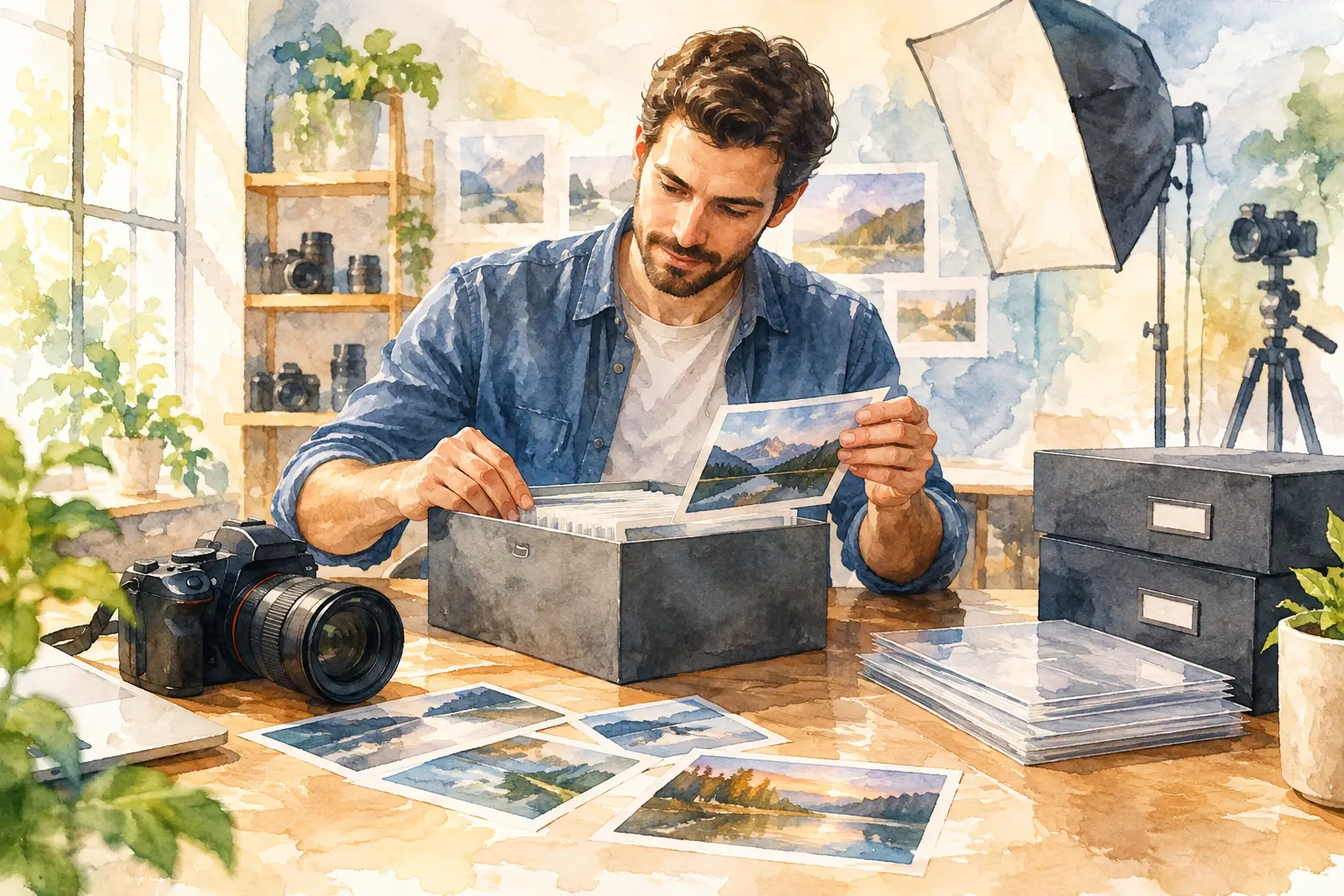
A shoebox of loose prints, an aging photo album, and thousands of pictures scattered across old phones can all hold the same thing: moments your family cannot replace. The best ways to archive photos are not about choosing one perfect storage method. They are about creating a practical plan that protects original prints, preserves digital copies, and makes the memories easy to find when someone wants to revisit them.
For many families, photo archiving begins after a move, a loss, a new baby, or the discovery of boxes that have been sitting untouched for years. Start small. A thoughtful system built over time is far more useful than a major sorting project that never gets finished.
1. Sort Photos Before You Scan or Store Them
Before purchasing storage supplies or scanning every image you own, give yourself a clear starting point. Gather photos from drawers, albums, envelopes, frames, and old storage boxes. Keep original groupings together at first. A handwritten envelope labeled “Beach Trip 1988” may offer more context than the photos alone.
As you sort, separate pictures into broad categories such as family, holidays, school years, weddings, military service, or special events. You do not need to identify every face or date immediately. The goal is to make the collection manageable and prevent important photos from getting mixed in with duplicates, receipts, or unrelated papers.
Set aside images that need special attention. Faded color prints, torn photographs, water-damaged pictures, and one-of-a-kind images deserve careful handling. Avoid writing directly on the front or back of photographs with a standard pen or marker. If you need to add notes, use a photo-safe pencil on the back edge or place the details on a separate archival sleeve or label.
2. Protect Original Prints With Archival Materials
Digital copies are valuable, but original photographs remain part of the story. They may include handwriting, original textures, or details that do not transfer perfectly during scanning. Store prints in acid-free, lignin-free photo boxes, albums, or sleeves designed for long-term preservation.
The environment matters just as much as the container. Photos last longer in a cool, dry, stable place. A climate-controlled interior closet is usually a better choice than a garage, attic, shed, basement, or storage unit. Heat, humidity, direct sunlight, and dramatic temperature changes can speed up fading, warping, mold, and sticking.
Avoid rubber bands, paper clips, tape, adhesive photo corners, and magnetic “sticky page” albums. These materials can stain, scratch, or permanently damage prints over time. If an old album has photographs attached to deteriorating pages, do not pull them free without care. Fragile photos may need professional handling to avoid tears or surface damage.
3. Scan the Photos That Matter Most First
Scanning creates a useful preservation copy and lets you share family history without constantly handling delicate originals. If a full collection feels overwhelming, begin with the photographs that are most irreplaceable: wedding portraits, baby photos, military pictures, images of relatives who have passed away, and photographs that show important homes, businesses, or community events.
For most standard prints, scan at 600 dpi to create a detailed digital file suitable for viewing, sharing, and future printing. For very small photographs, slides, negatives, or images you may want to enlarge, a higher-resolution scan may be worthwhile. Save a high-quality master file, then create smaller copies for texting, social media, or everyday use.
A flatbed scanner works well for photos that are in good condition. However, curled prints, fragile albums, oversized portraits, negatives, and damaged photographs often benefit from professional scanning. The right equipment and handling can make a meaningful difference, especially when the original cannot be replaced.
4. Name Digital Files So They Can Be Found Again
A folder named “Old Photos” quickly becomes difficult to use. Once your scanned images are digital, clear file names and folders make them valuable instead of overwhelming.
A simple naming format can include the year or approximate decade, event, and names of key people. For example, “1994_SmithFamily_Reunion_Grandparents” is much easier to search than “IMG_0047.” If you do not know the date, use an estimate such as “circa_1970s” rather than leaving the information out entirely.
Organize folders in a way that feels natural for your family. Some people prefer folders by year, while others prefer categories such as “Family Branches,” “Vacations,” or “Milestones.” There is no single correct approach. The best structure is one that another family member could understand without needing an explanation.
Consider adding a short document inside each major folder with names, locations, and stories connected to the photos. A picture of a childhood home becomes much more meaningful when future generations know whose home it was, where it stood, and why it mattered.
5. Follow the 3-2-1 Rule for Photo Backups
One hard drive is not an archive. It is only one possible point of failure. Computers crash, external drives can fail, phones get lost, and online accounts can be accidentally deleted or locked.
A dependable approach is the 3-2-1 backup rule: keep three copies of your files, on two different types of storage, with one copy stored somewhere else. For example, you might keep your main photo library on a computer, a second copy on an external hard drive, and another copy in a reputable cloud storage account.
Cloud storage is convenient because it protects your files from a local disaster such as a fire, flood, or theft. An external hard drive gives you direct control and can be useful when internet access is limited. The trade-off is that cloud services require ongoing account management, while physical drives need to be checked and replaced periodically.
Whichever method you choose, make a habit of opening a few files every six to 12 months. Confirm that the images are still accessible and that your backup is current. An archive only works if you can retrieve it when you need it.
6. Preserve Albums and Photo Collections as They Are
Some albums tell a story through their order, captions, cards, ticket stubs, and handwritten notes. Even if you eventually scan individual photographs, consider photographing or scanning the album pages first. This preserves the original context before anything is moved.
The same approach applies to framed portraits, scrapbook pages, family letters, and photo collections created by a parent or grandparent. The arrangement may reveal relationships and memories that would disappear if every item were separated into individual folders.
If an album is in poor condition, document it before attempting repairs. Professional photo restoration can help improve digital copies of faded, stained, torn, or discolored images while allowing the original print to remain safely stored. Restoration should preserve the character of the photograph, not make a family memory look artificial.
7. Make Your Archive Easy to Share and Maintain
The best photo archive is not hidden away forever. It gives family members a way to enjoy the memories while keeping originals protected. Create shareable folders for family events, make a digital slideshow for reunions, or save selected images to a USB drive for relatives who prefer a physical copy.
It also helps to choose one person who understands the archive and knows where backups are kept. Include basic instructions in your estate or household records, especially if the collection contains decades of family history. A well-organized archive should not become inaccessible because only one person knew the passwords, folder names, or storage location.
For Jacksonville-area families with aging prints, albums, slides, or damaged photographs, AWV Production LLC can provide careful photo scanning and restoration support so meaningful images are preserved in high-quality digital formats. The goal is not simply to convert a picture into a file. It is to protect the story attached to it. Call 904-425-1631 now for free price estimation and appointments.
Set aside one box, one album, or one year of photos this month. With a little care now, the people and moments you cherish will remain clear, organized, and ready to be shared for years to come.


