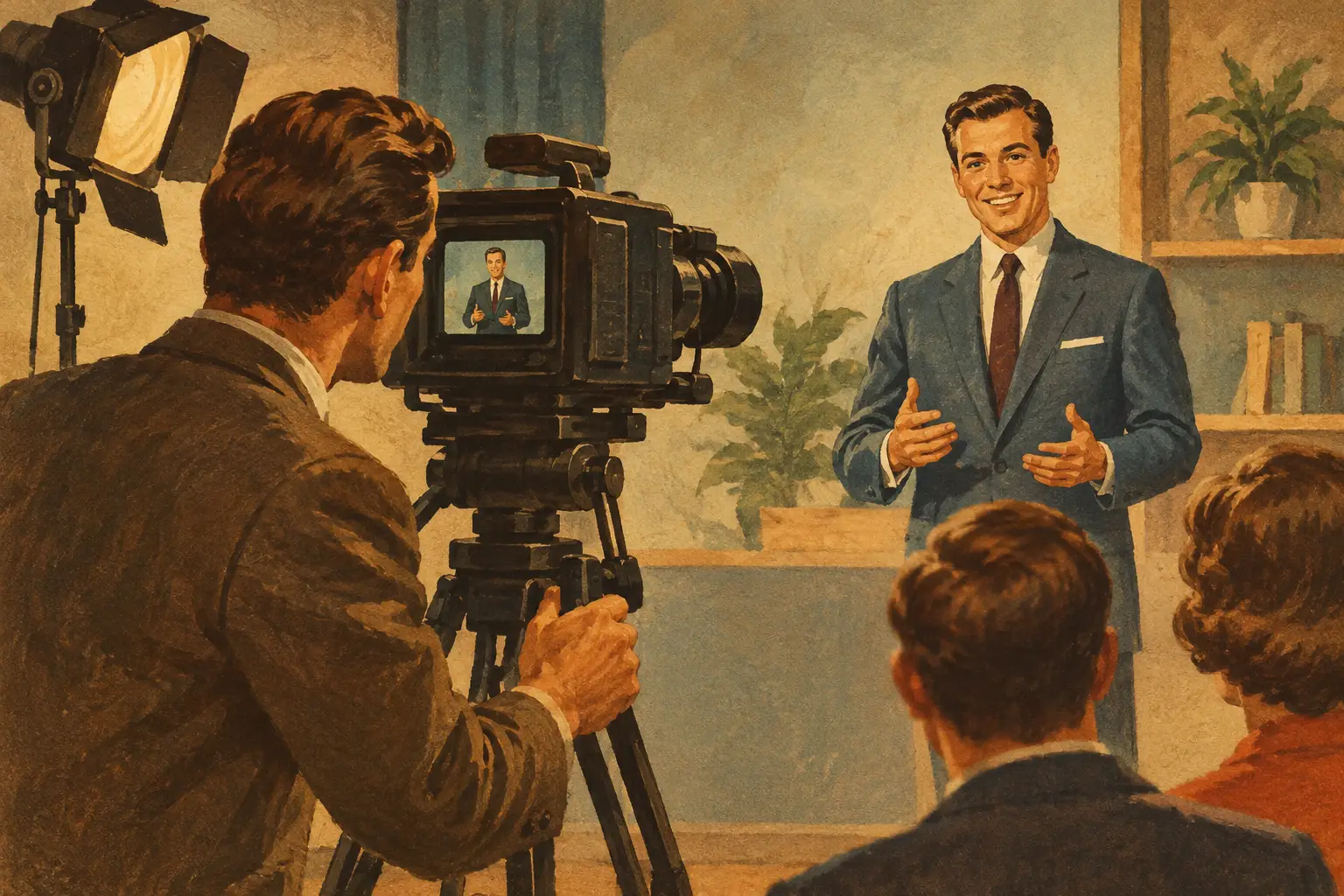
A new employee’s first shift can set the tone for everything that follows. If instructions are rushed, inconsistent, or buried in a thick handbook, even capable people can feel uncertain. A well-planned employee training video gives them a clear, welcoming introduction to the work, the expectations, and the people behind the business.
For small businesses and growing organizations, video training is not about replacing human connection. It is about making sure every employee receives the same dependable foundation before they begin asking questions, practicing tasks, and becoming part of the team.
Why an Employee Training Video Matters
When a manager explains a process in person, the message may change slightly from one conversation to the next. That is normal. People emphasize different details, use different examples, and may be interrupted by the demands of the day. Over time, those small differences can lead to inconsistent customer service, preventable errors, or employees who are not quite sure what “the right way” looks like.
An employee training video creates a reliable starting point. It shows the process as it should be done, using the actual workspace, equipment, products, and team members employees will encounter. Instead of imagining how a task works from a written description, a new hire can see it performed correctly.
That visual clarity is especially valuable for training that involves safety procedures, customer interactions, software workflows, equipment operation, opening and closing routines, and quality standards. A video can pause on a key step, show a close-up, or demonstrate the difference between an acceptable result and an excellent one.
There is also a human benefit. Seeing familiar faces and hearing the company’s values expressed in a calm, direct way can make a new team member feel less like they are being handed rules and more like they are being welcomed into a shared standard.
What Makes a Training Video Useful, Not Forgettable
A polished image alone does not make training effective. The most useful videos are built around what an employee truly needs to know in order to do their job with confidence. That means starting with a clear purpose rather than trying to record every policy, procedure, and company detail in a single long presentation.
A strong video answers practical questions: What does success look like? What steps must be followed every time? Where do people go when something is unclear? What should they never skip? It should also explain why a process matters. Employees are more likely to remember a sanitation step, a documentation requirement, or a customer greeting standard when they understand how it protects customers, coworkers, and the company’s reputation.
Keep the language conversational and specific. If the audience is new to the industry, avoid jargon or explain it plainly. If the job requires technical precision, show the exact terminology alongside the action. The goal is not to impress employees with complicated language. The goal is to leave them prepared.
Show the Real Environment
Stock footage may make a video look generic, but it rarely helps a new employee navigate their first day. Whenever possible, film in the real location. Show where team members clock in, where supplies are kept, how the workstation should look, and whom to contact when they need help.
Real settings also create credibility. Employees can tell when the training reflects their actual workday rather than an idealized version of it. That does not mean every corner of the business needs to be on camera. It means the scenes selected should help viewers recognize the environment and apply what they are learning.
Keep Each Topic Focused
One 45-minute video may seem efficient to produce, but it can be difficult for a new hire to retain. Shorter modules are usually easier to review and update. A welcome and culture video, for example, can stand on its own. Safety training, customer service expectations, job-specific procedures, and software demonstrations can each be separate pieces.
This approach also makes future changes less costly. If one policy changes, the business can update the relevant module rather than replacing an entire training library. The right length depends on the task. A simple process may need two minutes. A detailed safety procedure may need more time and a slower pace.
Planning an Employee Training Video Before Filming
The best results come from preparation. Before a camera is set up, identify the employees who will watch the video and the actions they should be able to take afterward. “Understand customer service” is broad. “Greet each customer within 30 seconds, confirm their need, and explain the next step” is much easier to demonstrate and evaluate.
Gather the people who know the job best. A supervisor may understand policy, while an experienced employee knows where new hires tend to get stuck. Their input can prevent a training video from overlooking the practical details that matter most on a busy day.
It helps to map the training into a simple sequence: the situation, the correct action, the reason it matters, and what to do if something goes wrong. This structure keeps the message clear without making it sound overly scripted.
Before filming, confirm that procedures are current. A video can reinforce outdated information just as effectively as it reinforces good habits. Review safety language, uniforms, product details, forms, software screens, and any compliance requirements. For regulated industries, it may be wise to have the final script reviewed by the appropriate manager or advisor before production begins.
Professional Production Protects the Message
Employees do not need a Hollywood production to learn well. They do, however, need to hear and see the information clearly. Poor audio, shaky footage, dim lighting, or an on-camera speaker reading stiffly from a page can make even valuable instruction feel harder to follow.
Professional video production brings structure to the process. Clear sound ensures instructions are not missed. Purposeful camera angles can show both the full workflow and the close details. Clean editing removes delays, repetition, and distractions while keeping the pace comfortable for learning.
Captions are worth considering, particularly for videos viewed in shared spaces, on mobile devices, or by employees with different learning needs. On-screen labels can reinforce names of tools, steps, deadlines, and safety reminders. These details help viewers retain information without cluttering the screen.
For Jacksonville businesses, working with a local production partner can also make filming more practical. A team that can visit your location, understand the flow of the space, and collaborate with your staff can create a more natural training experience than a generic remote template.
Use Video as Part of Training, Not the Entire Program
Video is powerful, but it works best alongside hands-on practice and conversation. Watching someone complete a task is different from doing it under supervision. For roles that involve equipment, customer care, or detailed processes, employees should have a chance to practice soon after viewing the training.
A manager can use the video as a consistent introduction, then follow it with a short discussion: What stood out? What questions do you have? Can you show me the first step? This gives employees permission to ask for clarification and helps managers spot misunderstandings early.
The same video can continue to serve the business after onboarding. Existing employees can revisit a procedure before a busy season. Managers can use it to refresh standards. Teams can include it in cross-training when someone takes on a new responsibility.
Measure Whether It Is Working
The real test of training is not whether the video looks good. It is whether employees perform with greater consistency and confidence afterward. Look for fewer repeated questions, smoother onboarding, reduced errors, stronger customer feedback, and more consistent completion of required steps.
You can also ask new employees for honest feedback. Were any instructions unclear? Did the video reflect what happened on the job? Was there a moment when they needed more detail? Their answers can guide useful updates.
Training content should be reviewed regularly, especially when policies, equipment, services, or team responsibilities change. A video is a lasting business asset, but it should never become a record of how things used to be done.
A thoughtful training video gives your team something valuable: a clear standard they can return to when the workday gets busy. With careful planning, real-world examples, and professional production, it can help every new employee begin with the confidence that they belong there and know what to do next.