
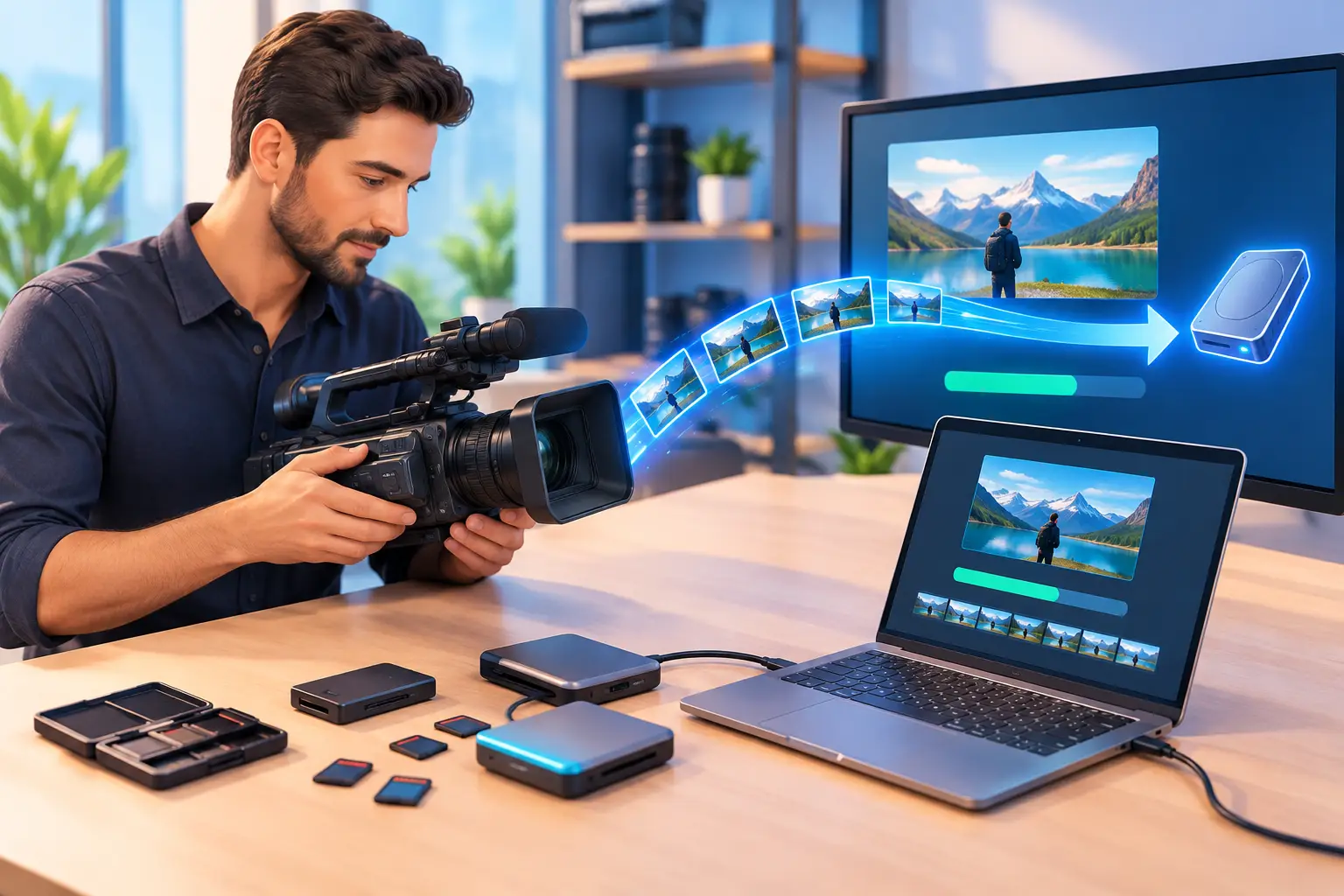
A VHS tape from a childhood birthday, a stack of MiniDV cassettes from a wedding, or footage from an old camcorder may look simple on the outside. Inside, it holds moments that cannot be recreated. So, what happens during video transfer? A professional process carefully plays, captures, checks, and preserves that footage in a modern digital format while treating the original media with the attention it deserves.
The details vary by tape type, condition, and your preferred delivery method. Still, a thoughtful transfer process follows a clear path designed to protect your memories and give you files you can actually watch, share, and keep.
What happens during video transfer from tape to digital?
Video transfer is the process of converting footage stored on an older physical format into a digital video file. That may mean transferring VHS, VHS-C, Hi8, Digital8, MiniDV, Betamax, or other legacy formats to a USB drive, DVD, external hard drive, or cloud-ready file.
The goal is not simply to press play and make a copy. Older media can have delicate tape, worn labels, broken cases, tracking issues, or decades of dust and storage exposure. A good transfer starts with understanding what is on hand and choosing the proper equipment to play it safely.
For families, the finished digital file makes it easier to revisit a loved one’s voice, a graduation, or a family vacation without repeatedly running an aging tape through an old machine. For businesses, transferred footage can preserve past events, training materials, interviews, product history, or brand milestones that may still have real value.
Step one: Inspecting and organizing the original media
Before playback, each tape should be inspected for obvious concerns. A technician checks the cassette shell, tape leader, labels, and overall condition. If a tape is damaged, tangled, moldy, or brittle, it may need special handling before it can be played.
Organization matters, too. Tapes are often labeled with only a year, a first name, or a note such as “Beach.” During intake, it helps to identify any known dates, events, and preferred order. This gives the final files meaningful names and helps keep a family collection or business archive from becoming a folder full of mystery videos.
Not every tape will be in the same condition. A tape stored in a climate-controlled closet may play cleanly, while one kept in a Florida garage or attic may have more wear. Being upfront about those differences helps set realistic expectations before transfer begins.
Why tape condition affects the result
A digital transfer preserves what can be played from the original source. It cannot create detail that was never recorded, and it cannot always recover sections that have been physically damaged. Color fading, audio hiss, tracking lines, and brief dropouts may be part of the original recording or the tape’s age.
That does not make the transfer less worthwhile. In many cases, getting a stable digital copy now is the best way to prevent further loss. Every playback of a fragile tape can add risk, especially when consumer equipment is worn or improperly maintained.
Step two: Preparing the right playback equipment
Different formats require different machines. VHS tapes need a properly maintained VCR, while MiniDV, Hi8, and other camcorder formats require compatible equipment. Using the wrong device or a machine in poor condition can affect image stability, audio, and the safety of the tape itself.
Professional transfer work relies on clean, tested playback decks and capture equipment. The tape is played in real time, meaning a two-hour tape generally takes about two hours to capture, plus time for preparation and quality checks. This is one reason careful transfers cannot be treated like an instant scan or rushed through an automated process.
During playback, adjustments may be made to improve tracking and stabilize the signal when the format allows. These adjustments are intended to get the clearest reliable playback from the original recording, not to alter the story or make old footage look artificially new.
Step three: Capturing the footage as a digital file
As the tape plays, its video and audio signal are captured and converted into a digital file. This is where analog footage becomes something a modern computer, smart TV, phone, or editing program can use.
The selected file format should balance quality, compatibility, and file size. Many customers prefer widely supported video files because they are easier to copy, share with relatives, and watch without specialized software. High-quality capture is especially valuable when footage may later be edited into a memorial video, wedding anniversary piece, family documentary, or business retrospective.
The file will still reflect the character of the original recording. A VHS tape will not suddenly have the sharpness of current high-definition video, but a careful capture can preserve its authentic look while preventing additional degradation from repeated playback.
Transfer and restoration are not always the same service
A standard transfer creates a digital version of the footage as it exists. Restoration goes further and may include noise reduction, color correction, audio cleanup, stabilization, or repair work where possible.
The right choice depends on the footage and how you plan to use it. If your priority is preserving many family tapes affordably, a straightforward transfer may be ideal. If one irreplaceable tape has serious visual or audio problems, restoration may be worth discussing. The key is knowing what work is being performed rather than assuming every issue can be removed automatically.
Step four: Reviewing the captured video
A transfer is not complete the moment capture ends. The digital file should be reviewed for major playback problems, missing segments, audio issues, or capture errors. This quality-control step helps confirm that the file opens properly and that the footage has been saved as expected.
Some imperfections can only be discovered when a tape reaches a particular point. A tape may play normally for most of its length and then show tracking trouble, a blank section, or audio distortion near the end. When that happens, a professional will assess whether another playback attempt, a different adjustment, or a repair option may help.
This review also helps with practical details, such as splitting a long recording into separate files when appropriate. For example, a tape containing several home movies may be easier to enjoy when those recordings are organized by event or date.
Step five: Delivering files you can use and protect
Once the transfer has been checked, the finished video needs a home. Common delivery options include USB flash drives, DVDs, external drives, and digital files prepared for cloud storage. The best option depends on how you want to watch and share the footage.
A USB drive is convenient for many families because it can hold multiple videos and connect to computers or compatible TVs. DVDs can be familiar and easy to gift, though they offer less flexibility as more households move away from disc players. Digital files are useful for sharing, but they should not be the only copy.
For long-term protection, keep at least two copies in different places. You might keep one on a USB or external drive at home and another in a reputable cloud storage account. If the footage matters enough to transfer, it matters enough to back up.
Choosing a local transfer partner
Handing over irreplaceable tapes can feel uncomfortable, particularly when they contain family members who are no longer here or a business record that exists nowhere else. Working with a local provider gives you the opportunity to ask questions, explain what the tapes mean, and avoid sending one-of-a-kind media across the country.
At AWV Production, video transfer is handled with the same care given to newly created video projects: clear communication, professional equipment, and respect for the story behind every recording. Whether you are preserving a family collection in Jacksonville or preparing older footage for a company project, the process should feel personal, understandable, and secure.
Your tapes have already carried these moments through years of moves, storage bins, and changing technology. Giving them a dependable digital future is a practical way to keep those voices, faces, and stories close whenever you are ready to press play.


