
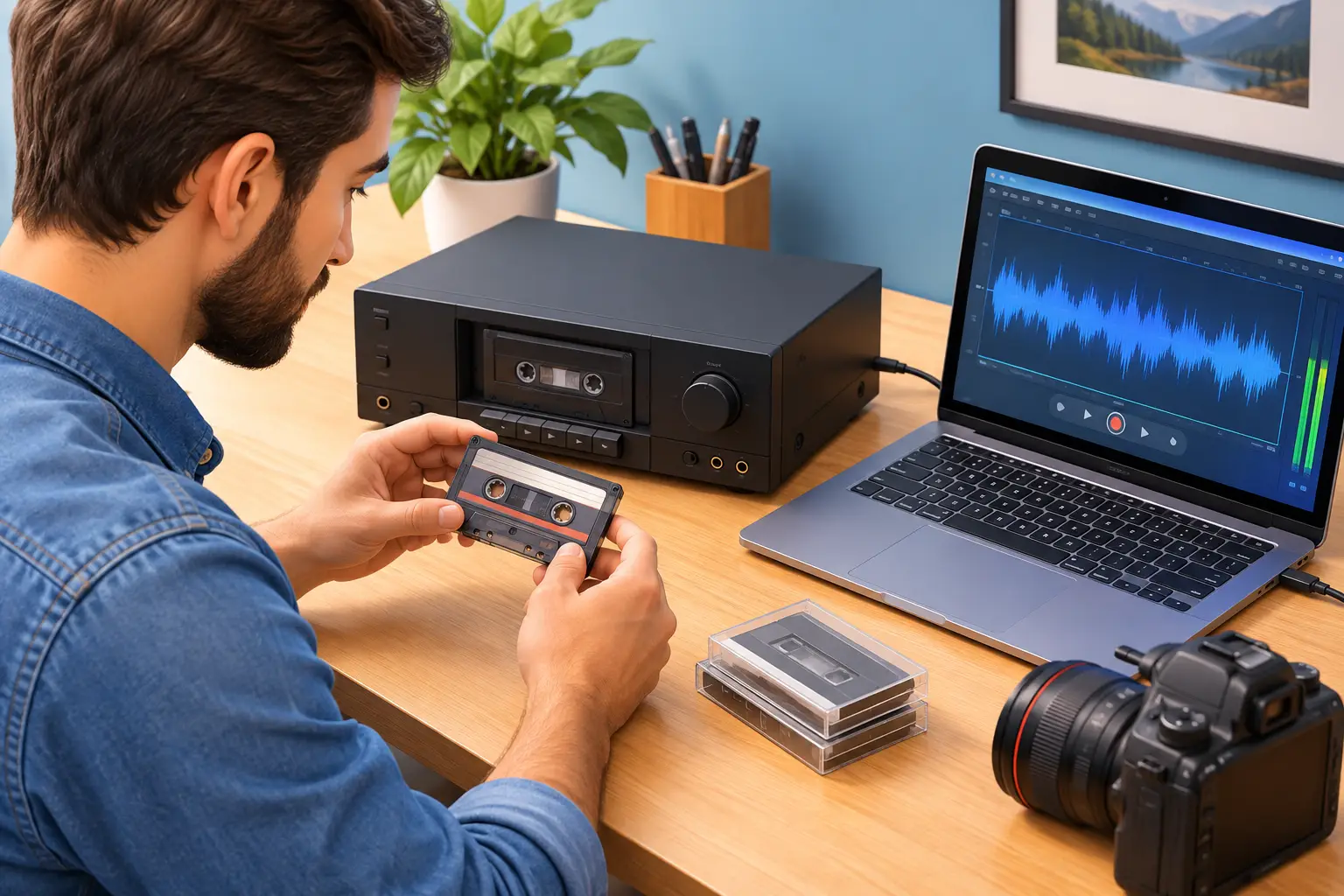
A cassette can hold a voice you have not heard in decades: a grandparent telling a story, a child’s first song, a wedding toast, an interview, or a band rehearsal recorded in a garage. Learning how to convert cassette recordings gives those moments a safer future, but the process deserves care. Old tapes can be fragile, playback decks vary widely in quality, and one rushed attempt can leave you with noise, dropouts, or even a damaged cassette.
The good news is that cassette conversion does not have to be complicated. With the right equipment, a clean tape path, and a sensible digital file format, you can preserve the recording while keeping its original character intact.
Why cassette recordings should be converted soon
Cassette tape is magnetic media. Its sound can gradually fade, stretch, or become uneven as the tape ages. Heat, humidity, dust, and repeated playback all take a toll. A tape that played clearly ten years ago may now squeal, drag, or shed residue during playback.
The cassette shell matters, too. Small rollers can harden, pressure pads can loosen, and the tape itself can wrinkle or break. Digital conversion is not about making a treasured recording sound artificially new. It is about creating a dependable copy before the original becomes harder to play.
A digital file also makes meaningful audio easier to share. Instead of passing around one aging cassette, family members can listen from a computer, phone, USB drive, CD, or private cloud folder. For business archives, old meetings, training recordings, radio spots, and oral histories can become usable assets again.
What you need to convert cassette recordings
The basic setup is straightforward: a cassette player or tape deck, a way to connect it to a computer, recording software, and headphones for checking the result. The quality of each piece affects the final audio.
A dedicated cassette deck in good condition is usually the best choice. Look for one with line-level RCA outputs rather than relying on a headphone jack. A portable cassette player can work for casual recordings, but it may add more hiss, speed variation, or mechanical noise.
You will also need an audio interface or USB capture device to bring the analog signal into your computer. For a cassette deck with red-and-white RCA outputs, an RCA-to-3.5 mm cable may work with some computer inputs, but a basic USB audio interface typically gives you better control and cleaner results.
Free recording software can capture the sound as it plays. Before starting, make sure your computer has enough available storage. Uncompressed audio files are larger than MP3s, but they preserve more of the original recording and are worth keeping as your archival master.
Choose the right file format
Record the first digital copy as WAV or AIFF whenever possible. These formats preserve the full audio signal and give you a better source if you later want to edit, enhance, or create additional copies.
MP3 files are useful for convenient sharing and smaller storage needs, but they compress audio information. Think of an MP3 as an access copy, not the only copy of a cherished recording. A strong preservation plan includes a high-quality master file plus a smaller listening version if needed.
For spoken-word recordings, 44.1 kHz and 16-bit audio is generally a practical standard. Higher settings can be useful, but they will not restore detail that was never captured on the cassette. The goal is a faithful transfer, not a larger file for its own sake.
How to convert cassette recordings step by step
Start by examining the cassette before putting it into a player. Check for a cracked shell, loose screws, warped plastic, visible mold, or tape that looks crumpled through the clear window. Do not play a cassette with mold or severe damage. Mold can spread to your equipment, while a damaged tape may need careful repair before it can be transferred.
If the cassette looks stable, gently turn one reel with a pencil or your finger to make sure the tape moves. Never force it. If it binds, stops, or makes a scraping sound, pause and assess the problem rather than pushing through it.
Next, clean the cassette deck’s tape heads, capstan, and pinch roller according to the manufacturer’s guidance. Dust and residue can dull the sound and cause speed problems. Let cleaned parts dry completely before use.
Connect the deck to your audio interface or computer input, then open your recording software. Play a short section of the tape first. Watch the recording level meter while listening through headphones. The signal should be strong but should not hit the top of the meter or show red clipping indicators. Distortion caused by recording too loudly cannot be fully fixed later.
Once levels are set, rewind to the beginning of the side, start recording in the software, and press play on the cassette deck. Let the cassette run in real time. Avoid opening other demanding programs on the computer while recording, and stay close enough to notice a snag, sudden volume change, or mechanical issue.
When the side is finished, stop the recording and save the file immediately with a clear name. Include details such as the person or event, approximate date, tape number, and side. For example, a name like `Grandma_Louise_Stories_1989_Tape1_SideA.wav` is far more helpful than `audio001.wav` years from now.
Repeat the process for the other side. Then listen to several sections of each finished file, including the beginning and end. This quality check helps you catch an incorrect input setting, a loose connection, or an incomplete transfer before putting the tape away.
Improve the sound without erasing the history
Most cassette recordings have some background hiss. That is normal. You may also hear hum, uneven volume, or a brief dropout where the magnetic tape has aged. Light audio cleanup can make a recording easier to enjoy, especially for interviews or spoken memories, but too much processing can make voices sound thin, metallic, or unnatural.
If you use noise reduction, make a copy first and preserve the unedited master. Apply changes gently, then compare the edited version with the original using headphones. A little hiss is often preferable to an overprocessed recording that no longer sounds like the people in the room.
Some issues are not software problems. If the tape runs too fast, too slow, or fluctuates in pitch, the deck may need service. If one tape sounds muffled while others sound clear, its shell, pressure pad, or tape formulation may be the cause. Trying several different machines can sometimes help, but it also creates more opportunities for wear. This is where experienced handling can make a meaningful difference.
Common mistakes that put tapes at risk
The most common mistake is assuming every old cassette is safe to play. Tapes stored in a hot Florida attic, damp garage, or dusty closet may need a closer inspection first. Another is using a cheap player with unstable speed, which can leave a permanent digital copy with warbling voices or music.
Avoid recording through a computer’s built-in microphone. That method captures room noise and speaker sound instead of the direct audio signal. Also avoid repeatedly fast-forwarding and rewinding a fragile cassette just to find a favorite section. Every pass adds handling and stress.
Do not throw away the cassette after conversion. Keep the original in a labeled case, stored upright in a cool, dry place away from magnets and direct sunlight. Your digital file is the everyday listening copy, while the cassette remains the original source.
When professional cassette transfer is the better choice
A do-it-yourself transfer works well for tapes in good condition when you have the time and equipment to monitor each recording. Professional conversion is often a better choice for irreplaceable family tapes, fragile cassettes, recordings with mold or breakage, or large collections that would take many weekends to complete.
It can also be worthwhile when the recording has emotional weight. A voicemail-like message from someone who has passed away, a parent’s old interview, or audio from a wedding deserves more than a quick connection to an old player. A careful transfer includes evaluating the tape, using properly maintained equipment, capturing clean audio, and providing files that are easy to keep and share.
For Jacksonville-area families who prefer a local, hands-on option, AWV Production can help preserve cassette audio without asking you to send irreplaceable memories across the country. A professional transfer can be delivered in practical formats for listening, sharing, and long-term storage.
After the conversion, make at least two backup copies. Keep one on a reliable external drive and another in a separate location or secure cloud storage. Then share the recording while it is easy to enjoy. Hearing a familiar voice can start a conversation, identify an unknown date, or bring back a story no one realized was still waiting on that little cassette.


